Beyond initial training, 2NDGEAR offers ongoing support for deployment and adoption, helping institutions move beyond installation and into meaningful daily use. This ensures that interactive panels become integrated instructional tools that elevate teaching quality and student engagement.
Educators and IT teams also benefit from a suite of complimentary reference and training manuals:
- 2NDGEAR Getting Started with Newline Touch Panels (RS+, Q, Q-Pro Series) - detailed, indexed guides covering all panel functionality.
- 2NDGEAR Getting Started with Newline Engage – use-case-based and indexed guide on how to use the cloud-based, browser-based Newline Engage Lesson Creation tools.
- 2NDGEAR Getting Started with Newline Device Manager – how to manage the initial deployment and ongoing maintenance and updating of Newline panels. Includes messaging, permissions and more.
- Teaching with Interactive Panels – a practical resource outlining best practices and use-case scenarios for remote, hybrid, and in-classroom teaching.
2NDGEAR Value-Added Services for Newline Deployments
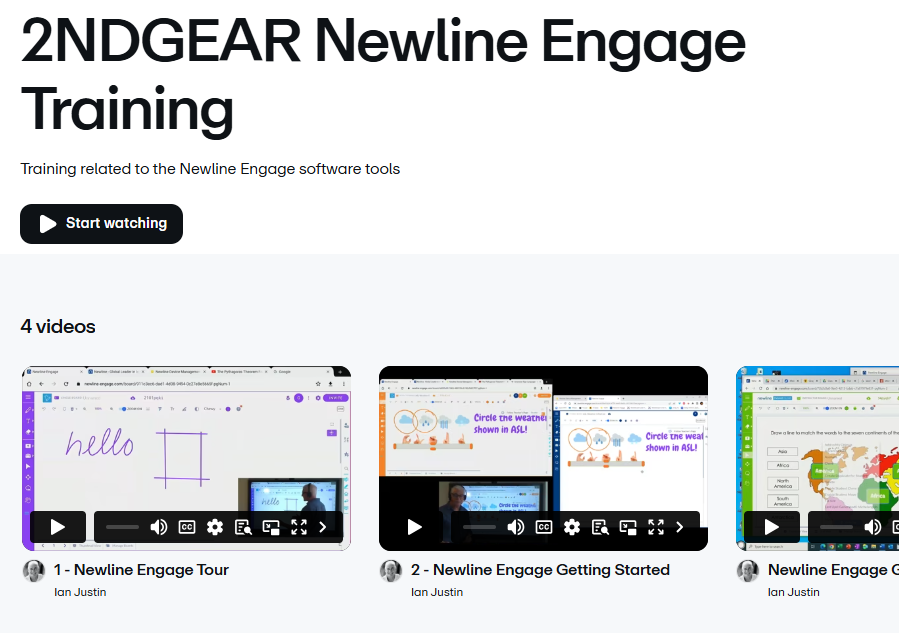
For continued learning, the 2NDGEAR Recorded Training Suite provides on-demand training segments covering core panel features and administrative techniques. Your 2NDGEAR Account Manager can provide current access credentials.